
How to Create a New Custom Field
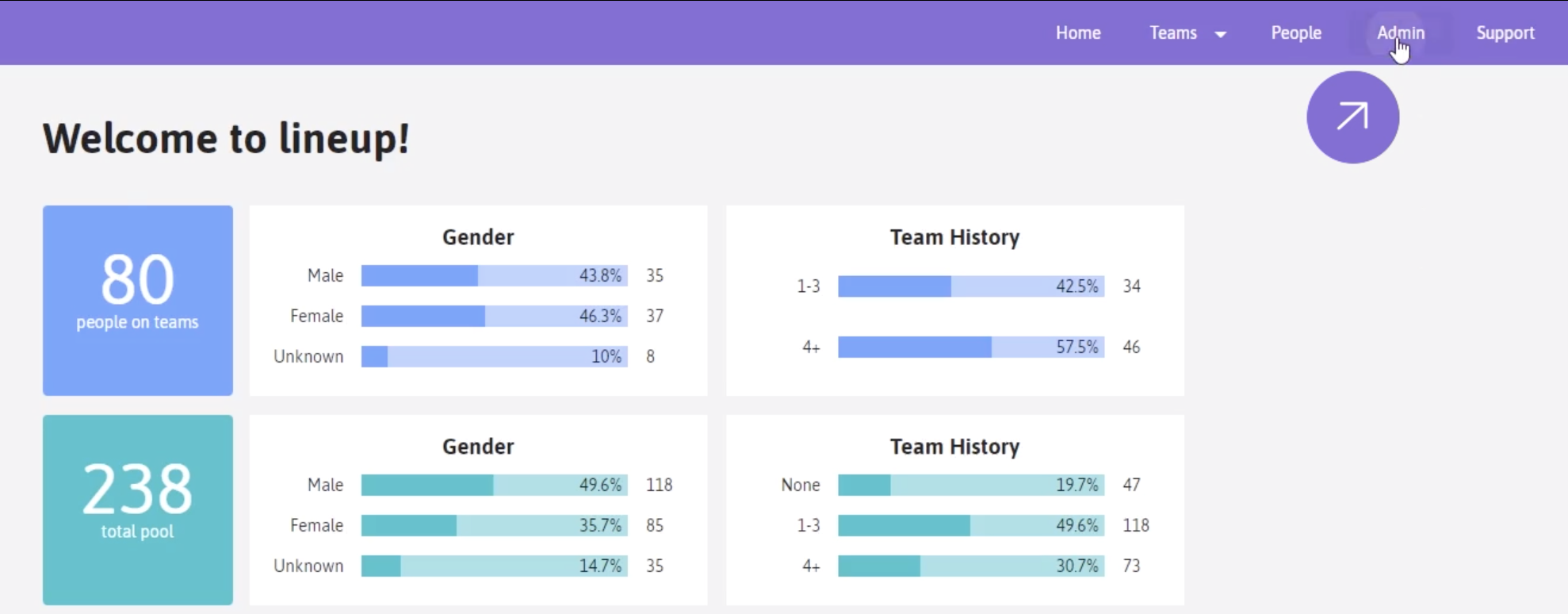
Click on the “Admin” tab
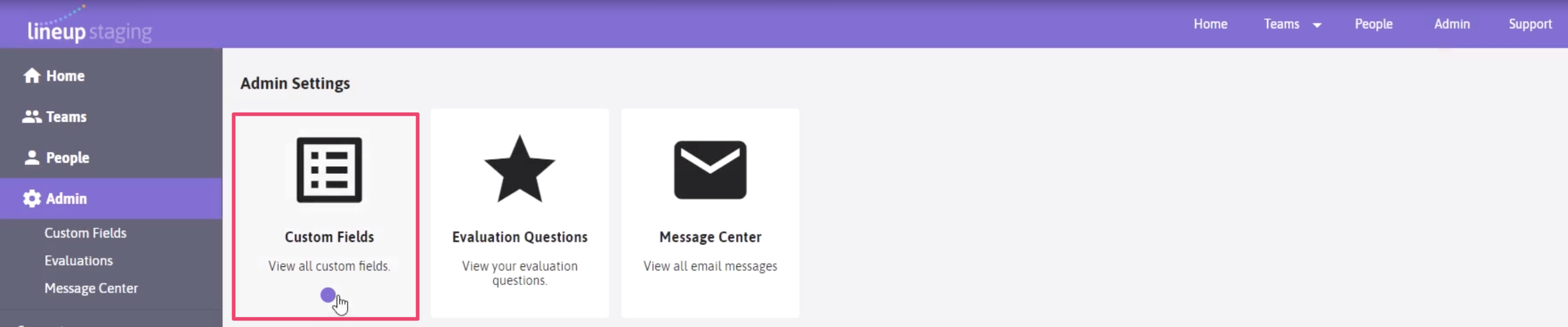
Click on Custom Fields
Here you will find three different types of custom data you can add to your Lineup platform
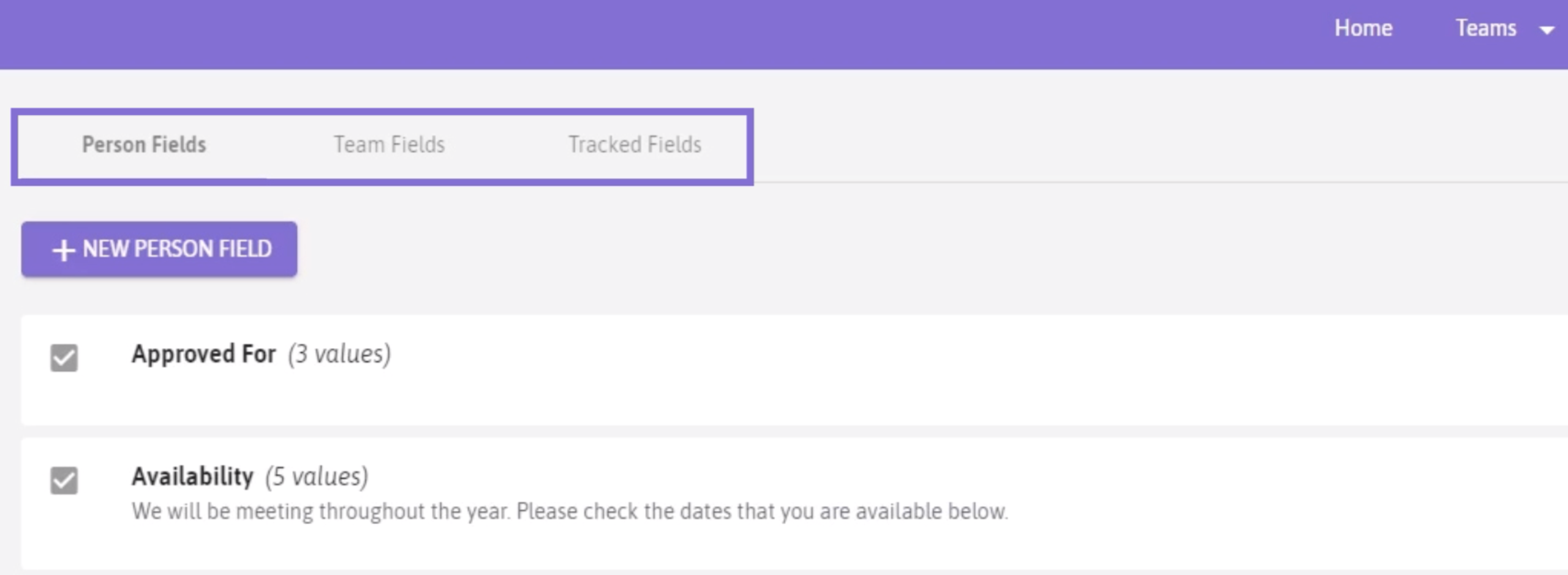
Click the + New (Person, Team, or Tracked) Fields button
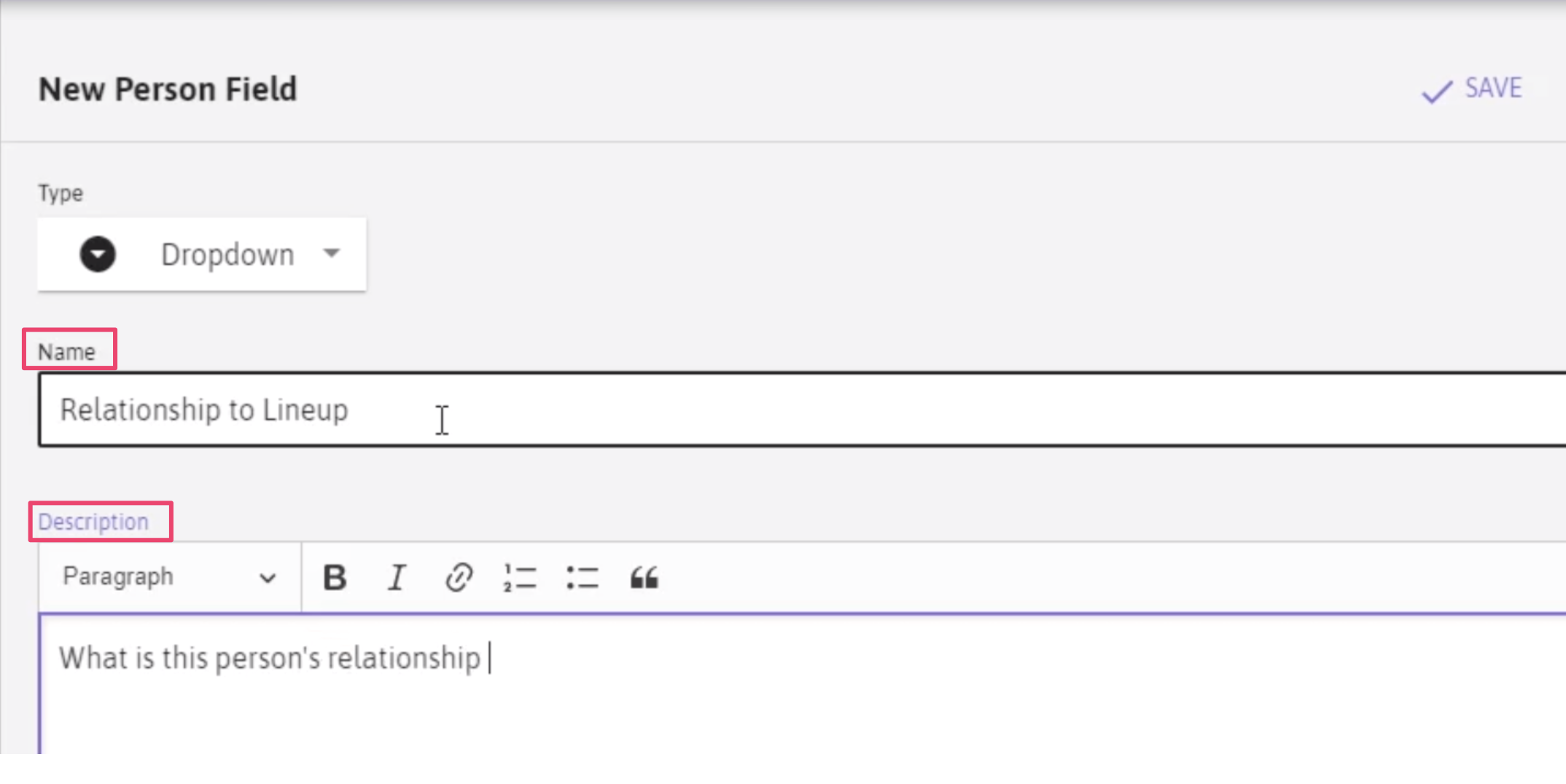
Decide what type of field you would like to add.(dropdown)
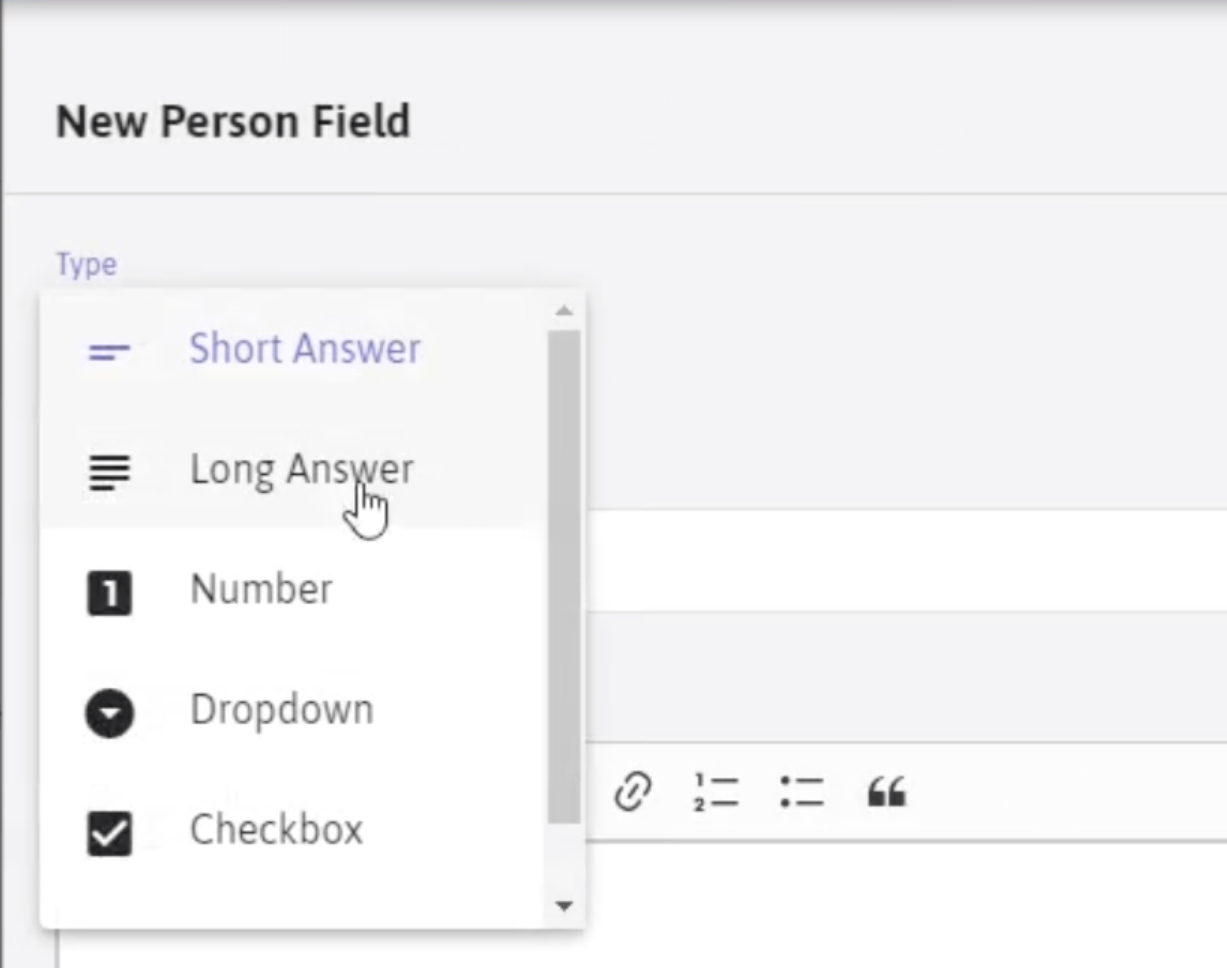
Name the custom field and add a description
Add values for your custom field as needed
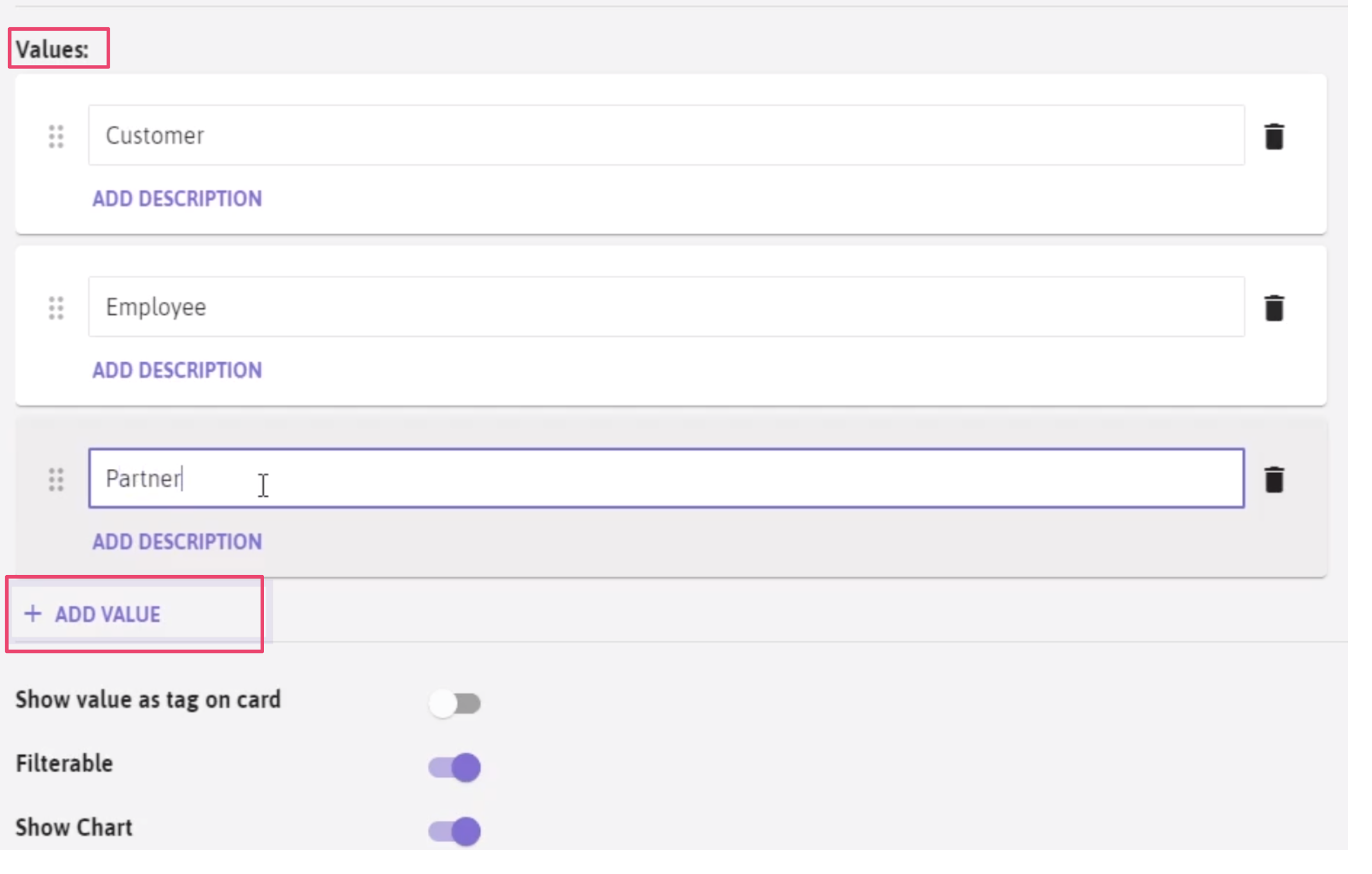
Decide if the data should be visible on a card-
Whether this data is filterable-
Whether the data should be visible as a chart in the dashboard.
Now click Save.
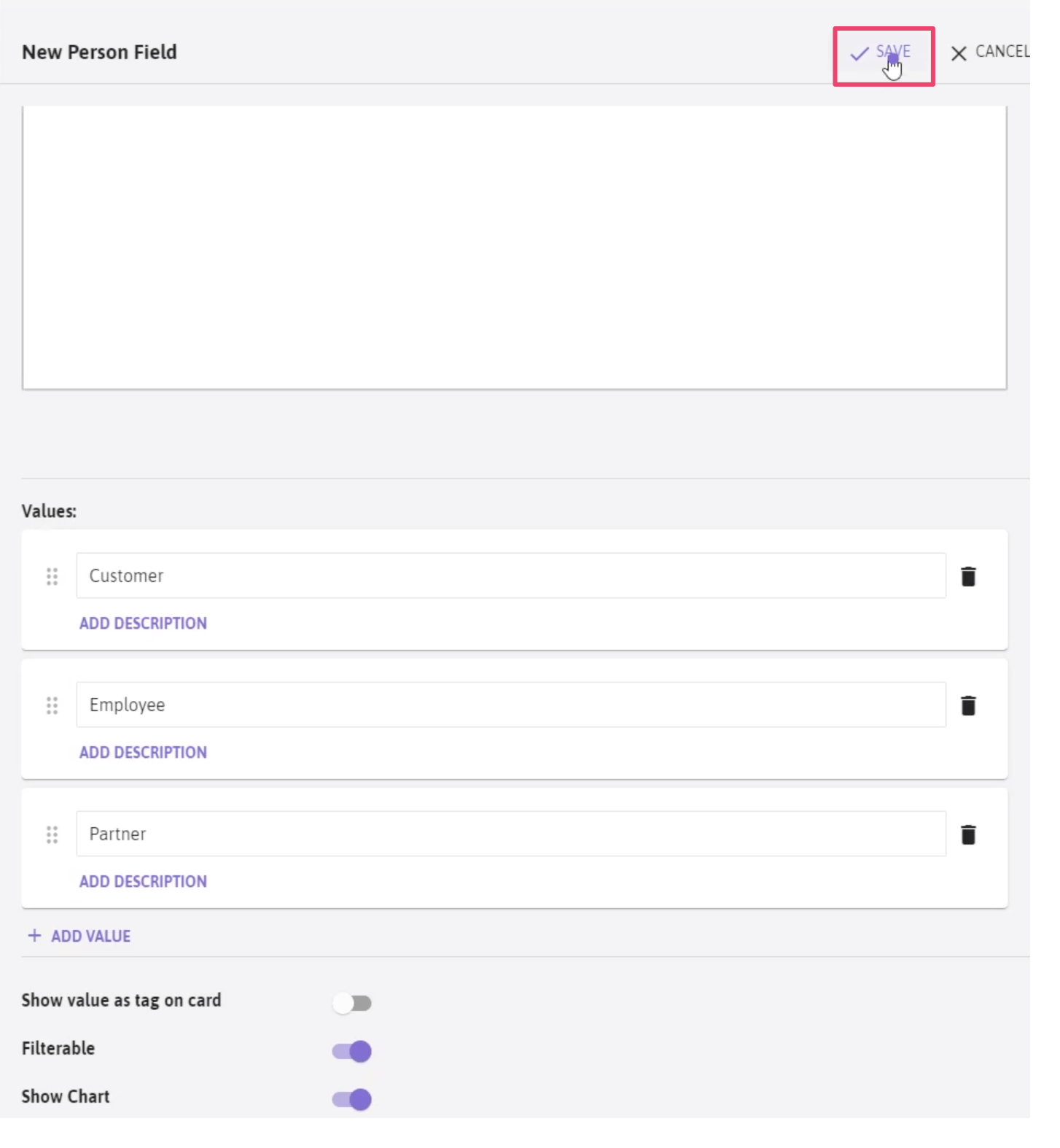
A confirmation appears
To view your new Person Field, click on the People tab.
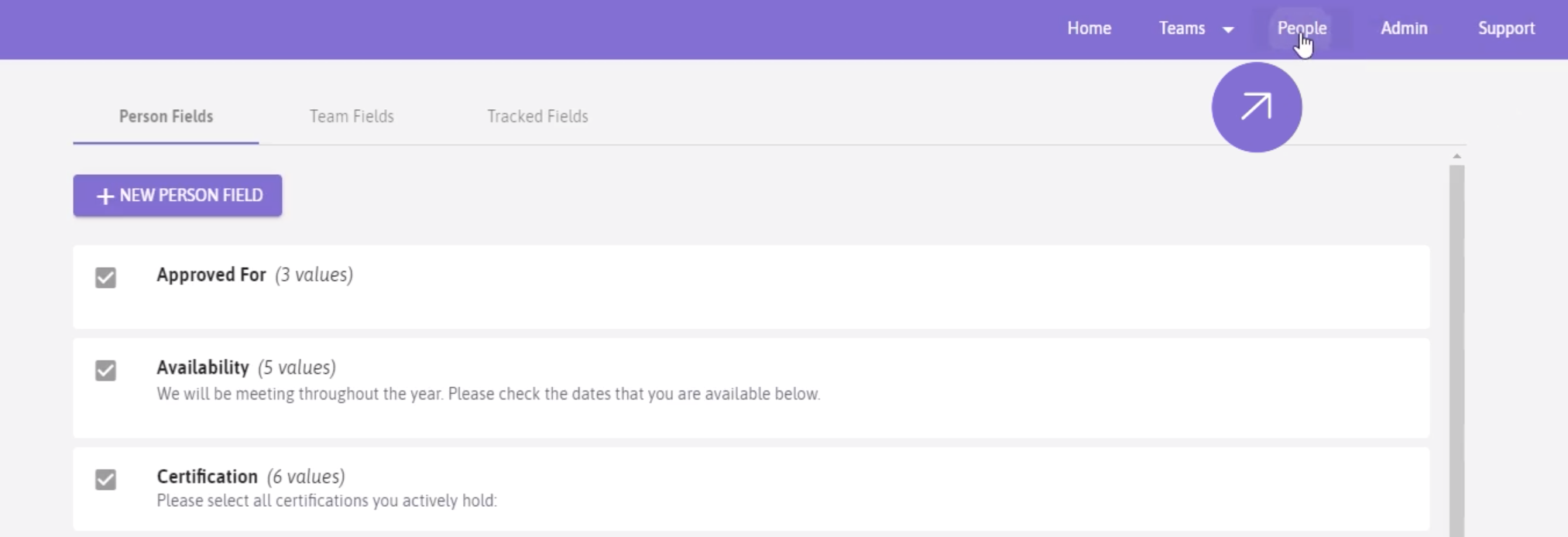
On Search Filters scroll down to and click on “All Custom Fields”
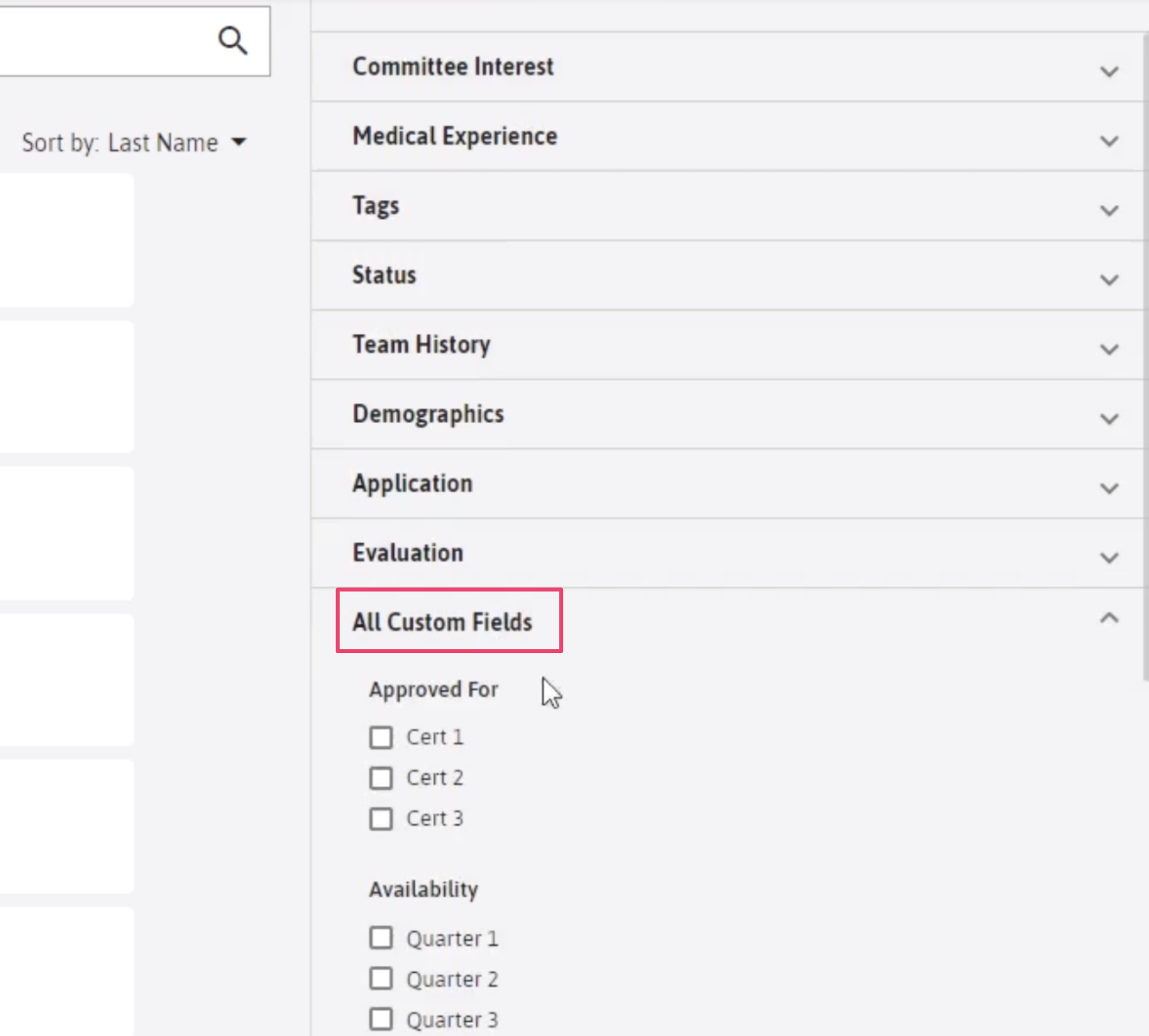
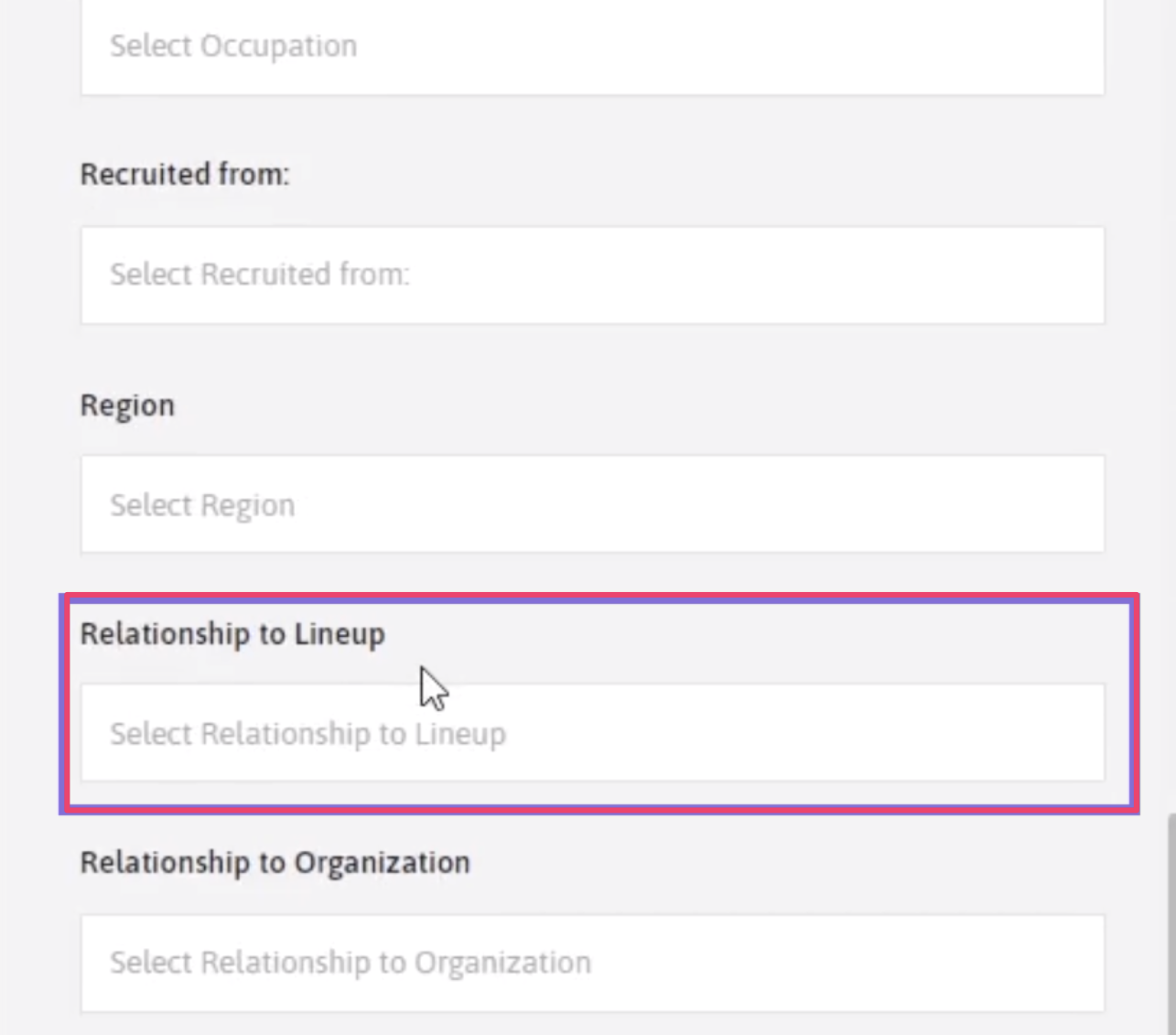
Now scroll through the custom fields until you find your newly added field.
Comments
0 comments
Article is closed for comments.